
Key facts
Start here
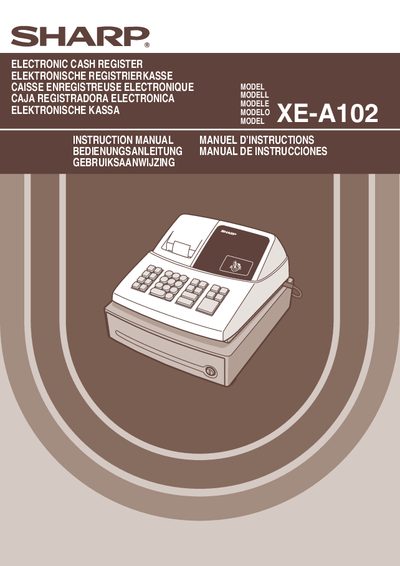
Sharp XE-A102 Electronic Cash Register User Manual
This manual covers the installation of the Sharp XE‑A102 cash register, including fixing the unit to a stable surface, connecting to a standard wall outlet, and installing the fixing‑angle bracket. It also explains how to reset the register, install batteries and the paper roll, and perform basic operation steps.
Further sections describe programming of date, time, tax, departments, PLU codes, and other functions, as well as error handling, maintenance tasks such as drawer handling and battery replacement, and the technical specifications of the device.
Sharp XE-A102 specifications
| Power Supply | 120 V AC ± 10 % |
|---|---|
| Battery Type | AA |
| Battery Life | Approximately one year |
| Display | Front LED display |
Source: Sharp XE-A102 Electronic Cash Register Instruction Manual
All Sharp XE-A102 documents by type
Day-to-day operation, settings and troubleshooting. Start here if the product is already set up.
Questions answered in these manuals
How do I reset the cash register before first use?
Insert the mode key into the mode switch, turn it to the REG position, then plug into the AC outlet; a buzzer will sound three times and the display will show “en 0.00”.
What batteries are required for the XE‑A102?
The register requires three new R6 or LR6 (AA‑size) batteries.
How do I install the batteries in the XE‑A102?
Open the battery cover, insert three new AA batteries, and close the cover; the register will indicate when the batteries are properly installed.
From: Sharp XE-A102 Electronic Cash Register Instruction Manual
How do I set the date on the cash register?
Enter the date in six digits (MMDDYY) while in Z/PGM mode, for example 031506 for March 15 2006.
From: Sharp XE-A102 Electronic Cash Register Instruction Manual