
Key facts
Start here
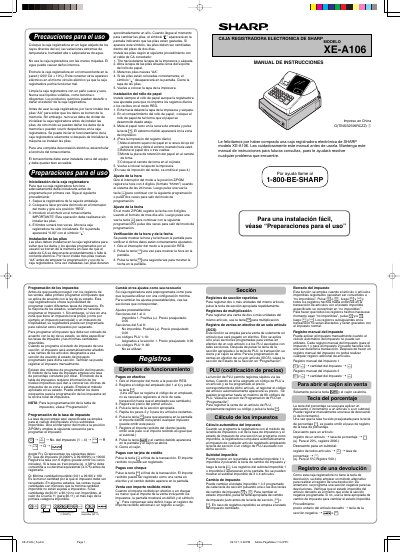
Sharp XE-A106 Cash Register User Manual
This document is the Spanish instruction manual for the Sharp XE-A106 electronic cash register. It provides essential safety precautions, such as avoiding direct sunlight and moisture, and details the initialization process which must be performed before installing batteries to prevent data loss.
The guide covers key operational features including tax programming (using either a constant rate or table method), time and date settings, and transaction processing for cash, credit card, and check payments. It also explains how to use PLU codes for quick item entry and manage section-specific tax statuses. This manual is written in Spanish.
Sharp XE-A106 specifications
| Battery Type | three new "AA" batteries |
|---|---|
| Power Input | 120V AC ± 10% |
| Paper Width | 2 1/4" (57 mm) |
| Tax Rates | four different tax rates |
Source: Sharp XE-A106 Electronic Cash Register Instruction Manual
All Sharp XE-A106 documents by type
Day-to-day operation, settings and troubleshooting. Start here if the product is already set up.
Questions answered in these manuals
What power source is required for the Sharp XE-A106 cash register?
The device must be plugged into a 120VAC wall outlet and also requires three AA batteries to prevent data loss.
How many tax rates can be programmed on the Sharp XE-A106?
The cash register allows you to program four different tax rates.
How do I initialize the cash register for the first time?
Remove the register from the carton, insert the mode key into the switch and turn it to REG, plug into AC outlet without batteries, wait for the buzzer to sound three times.
From: Sharp XE-A106 Electronic Cash Register Instruction Manual
What happens if the AC power is disconnected without batteries?
All programmed settings will be reset to default and any data stored in memory will be cleared.
From: Sharp XE-A106 Electronic Cash Register Instruction Manual