
Sharp MX-M6570 MX-M7570 Digital Multifunction System User Manual

User manual for the Sharp MX-M6570 and MX-M7570 digital multifunction systems, covering copying, printing, faxing, and scanning operations.
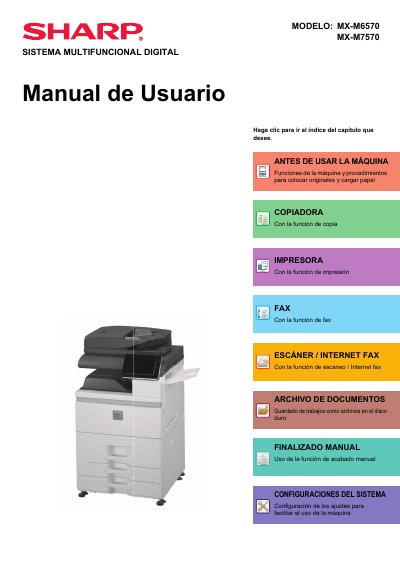

Sharp MX-M6570 MX-M7570 Digital Multifunction System User Manual - cover page
Brand
Sharp
Category
All-in-one printer
Document type
User Manual
Language
Spanish
Pages
939
File format
PDF
File size
21.3 MB
Published
17 November, 2026
Updated
17 November, 2026
MD5 checksum
2E94FEC0FEA5176EB5F48EFFE9FF6400

About this manual

This manual provides detailed instructions for operating the Sharp MX-M6570 and MX-M7570 digital multifunction systems. It covers core functions including copying, printing, faxing, scanning, and document archiving on the hard disk, as well as system configuration and manual finishing options.

The document includes guidance on loading paper, placing originals, using the touch panel, managing user authentication, and performing basic maintenance such as replacing toner cartridges and clearing paper jams. This manual is written in Spanish.

What's inside

  • Nombres y funciones de las piezas
  • Panel táctil
  • Funciones de bajo consumo de la máquina
  • Autenticación del usuario
  • Cargar papel
  • Cómo colocar el original
  • Libreta de direcciones
  • Dispositivos periféricos
  • Atascos de papel
  • Mantenimiento

Frequently asked questions

What should I do if a machine operation does not perform as expected?

Click the 'return to main page' button to start the operation over again.

How can I handle paper jams in the machine?

Refer to the 'Atascos de Papel' (Paper Jams) section starting on page 1-205.

Download PDF (21.3 MB)

More Sharp Manuals


View all Sharp manuals →