
Sharp MX-M6570 MX-M7570 Digital Multifunctional System Quick Start Guide

This is a quick start guide for a digital multifunctional system
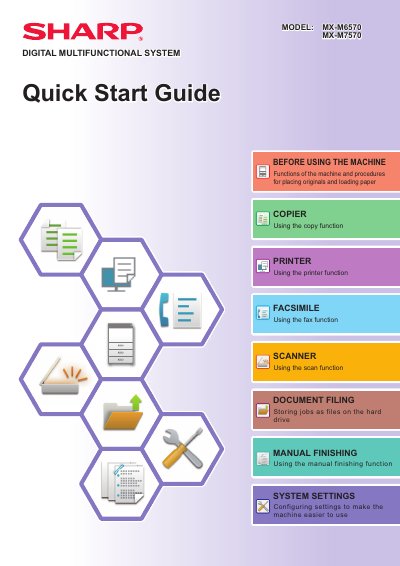

Sharp MX-M6570 MX-M7570 Digital Multifunctional System Quick Start Guide - cover page
Brand
Sharp
Category
Printer
Document type
User Manual
Language
English
Pages
68
File format
PDF
File size
3.1 MB
Published
20 October, 2023
Updated
20 October, 2023
MD5 checksum
7D8B70F2DAD726DD1FF6820E1FA000D4

About this manual

This guide introduces the Sharp MX-M6570 and MX-M7570 digital multifunctional systems, explaining how to use copy, print, fax, scan, and document filing functions. It covers basic operations, part names, power management, and system settings. The guide also explains how to access web pages, print manuals, and download detailed user manuals from the machine's web server.

What's inside

  • Operation Manuals and How to Use Them
  • How to Print a Manual
  • Accessing the Web Server in the Machine
  • Part Names and Functions
  • Turning On/Off the Power
  • Motion Sensor
  • Operation Panel
  • Placing Originals
  • Adjusting the Volume
  • Loading Paper

Frequently asked questions

What is the maximum paper capacity for Tray 1?

A maximum of 1250 sheets (80 g/m2 (20 lbs.)) of paper can be loaded.

What is the maximum paper capacity for Tray 5 (MX-LC19)?

A maximum of 3000 sheets (80 g/m2 (20 lbs.)) of paper can be loaded.

What is the minimum version of Internet Explorer required to access the machine's Web server?

Internet Explorer: 11 or higher (Windows®)

What is the purpose of the automatic document feeder?

It automatically feeds and scans multiple originals. Both sides of 2-sided originals can be automatically scanned at one time.

Download PDF (3.1 MB)

More Sharp Manuals


View all Sharp manuals →