
This is a user manual for a liquid crystal color TV
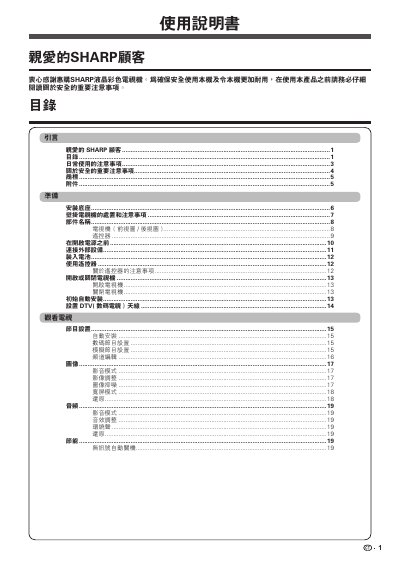
This manual provides instructions for the Sharp LC-32M3H LCD color television. It begins with important safety warnings regarding the use of the device, including precautions against water, heat, and improper handling to prevent fire or electric shock. It also details the care required for the plastic casing and the LCD screen to avoid damage from chemicals or physical impact.
The guide covers the setup and operation of the television, including installing the stand or wall mount, connecting external devices, and using the remote control. It explains how to turn the TV on and off, perform an initial automatic installation for digital and analog channels, and adjust settings for picture, sound, and energy saving. Additionally, it provides information on using USB storage devices and troubleshooting common issues. This manual is written in Chinese.
| Pixel Count (LC-32M3H) | 1,049,088 pixels |
|---|---|
| Pixel Count (LC-40M3H) | 2,073,600 pixels |
Yes, fixed blue, green, or red dots may appear due to the high number of pixels and are within the product specifications, not a fault.
No, wall mounting requires special skills and should only be done by qualified service personnel using recommended brackets.
You must turn off the power and unplug the unit immediately to avoid the risk of fire or electric shock.