
Key facts
- Brand
- Samsung
- Model
- SCX-6345N
- Category
- All-in-one printer
- Industry
- Computers
- Documents
- 2
- Languages
- EN
- Last added
- 2012-03-28
Start here
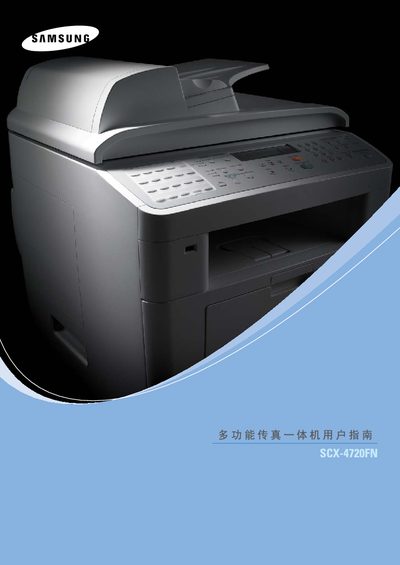
Samsung SCX-4720FN / SCX-6345N Multi-Function Fax All-in-One User Manual
This manual provides instructions for installing, configuring, and operating Samsung SCX-4720FN and SCX-6345N multi‑function fax/print devices. It includes safety guidelines, hardware setup, network and USB connections, and basic operation procedures.
The document also lists Samsung support contact information for many countries and outlines troubleshooting steps for common issues. Compatibility with Windows operating systems such as Windows 98, Me, 2000, XP and later is noted.
Samsung SCX-6345N specifications
| Series | SCXx-6x45 |
|---|---|
| PCL version | PCL 6 |
| PostScript version | PostScript 3 |
| Release year | 2006 |
Source: Samsung SCX-6345N Multi-Function Printer User Manual
All Samsung SCX-6345N documents by type
Day-to-day operation, settings and troubleshooting. Start here if the product is already set up.
Questions answered in these manuals
Does the SCX-6345N support PostScript?
Yes, it supports PostScript 3.
How can I contact Samsung support for these devices?
You can call Samsung's worldwide support lines, for example U.S.A 1‑800‑SAMSUNG (7267864) or use the regional numbers listed in the manual.
From: Samsung SCX-4720FN / SCX-6345N Multi-Function Fax All-in-One User Manual