
Key facts
Start here
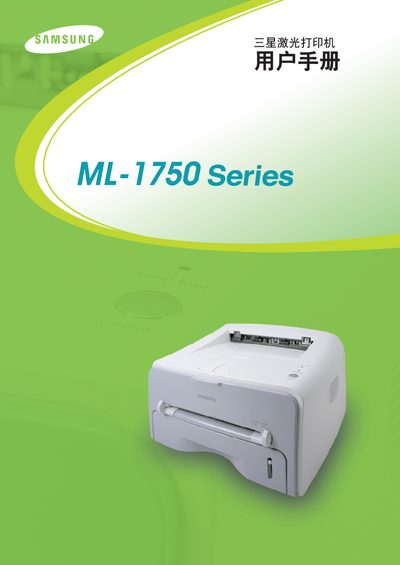
samsung laser Printer ML-1750Series Manual
The Samsung ML-1750 laser printer manual introduces the printer’s features, supported interfaces, and safety information. It lists compatible operating systems such as Windows 9x/Me, Windows NT/2000/XP, Linux, and DOS, and describes the printer’s PCL and PCL6 language support.
The guide covers step‑by‑step installation, media handling, print job setup, routine maintenance, and detailed troubleshooting procedures. Appendices include paper specifications, environmental storage guidelines, and regulatory compliance statements for FCC, CE, and Canadian standards. This manual is written in Chinese.
Samsung ML-1750 specifications
| Printing technology | non‑impact electrophotographic |
|---|---|
| Print speed (ML-1510) | 14 PPM |
| Resolution (ML-1510) | 600 × 600 DPI |
| Light source | laser diode |
| Rated input voltage | 200‑240 VAC |
| Average print power consumption | ≤ 280 W |
Source: samsung laser PrinterML-1700 series ML-1510 ML-1710 ML-1750 repair manual
All Samsung ML-1750 documents by type
Disassembly, diagnostics and part numbers, for repair.
Day-to-day operation, settings and troubleshooting. Start here if the product is already set up.
Questions answered in these manuals
What safety precautions must be taken before repairing the printer?
Repairs must be performed by qualified personnel, the printer must be unplugged, avoid water or chemicals, and follow all listed safety warnings such as not modifying the machine and using proper voltage.
From: samsung laser PrinterML-1700 series ML-1510 ML-1710 ML-1750 repair manual
How can I run a self‑test on the printer?
After powering on, press the test‑print button for about 1–3 seconds to start the self‑test.
From: samsung laser PrinterML-1700 series ML-1510 ML-1710 ML-1750 repair manual
What interfaces does the ML-1750 provide?
It provides an IEEE 1284 parallel port and a USB 1.1 port (compatible with USB 2.0).