
Key facts
- Brand
- Samsung
- Model
- 730B
- Category
- Monitors
- Industry
- Electronics
- Documents
- 3
- Languages
- EN · ZH
- Last added
- 2012-03-21
Start here
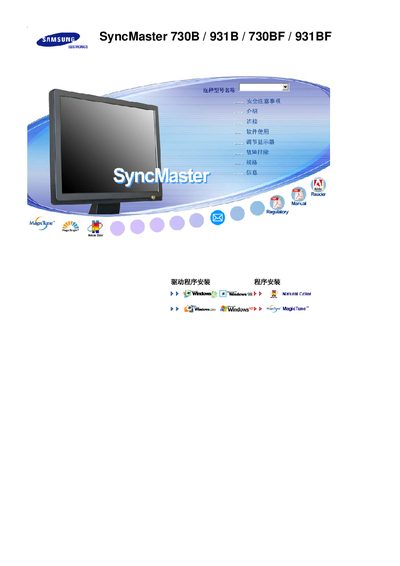
Samsung SyncMaster 730B/931B/730BF/931BF User Manual
This manual provides step‑by‑step instructions for installing and safely using the Samsung SyncMaster 730B, 931B, 730BF and 931BF LCD monitors. It includes safety warnings, wiring guidelines, mounting recommendations and cleaning procedures.
Technical specifications, energy‑saving features, warranty information and contact details for service centers are also listed, helping users maintain optimal performance and avoid common issues such as image retention. This manual is written in Chinese.
Samsung 730B specifications
| Screen size (730BA) | 43 inch, 1280 × 1024 |
|---|---|
| Screen size (930BA) | 48 inch, 1280 × 1024 |
| Resolution | 1280 × 1024 |
| Energy Star certification | Yes |
All Samsung 730B documents by type
Day-to-day operation, settings and troubleshooting. Start here if the product is already set up.
Questions answered in these manuals
What is the native resolution of the 730BA model?
The native resolution is 1280 × 1024 pixels.
How can I prevent image retention on the LCD screen?
Run a screen‑saver or power‑saving mode when the monitor is not in use; this is the recommended way to avoid residual images.
What safety steps should I follow when connecting the power cord?
Always unplug the monitor before cleaning, use a grounded plug, avoid pulling the cord, and never touch the plug with wet hands.
What video and power connections are available on the monitor?
The monitor provides a DVI input, a 15‑pin D‑sub (VGA) video connector, and a DC power input port.