
Key facts
- Brand
- Samsung
- Model
- SCX-4321
- Category
- All-in-one printer
- Industry
- Computers
- Documents
- 5
- Languages
- EN · ZH
- Last added
- 2023-10-20
Start here
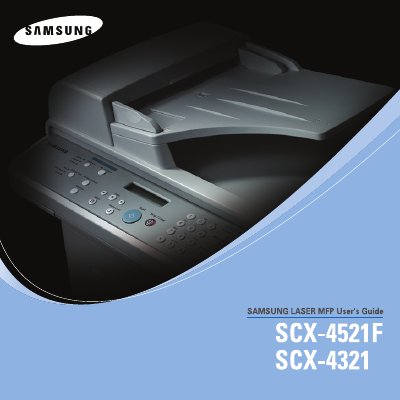
Samsung SCX-4321/SCX-4521F Printer User's Guide
This User's Guide covers the complete operation of the Samsung SCX-4321 and SCX-4521F multifunction printers, which function as printers, scanners, copiers, and facsimile machines. It includes detailed instructions for initial setup, such as unpacking, installing toner cartridges, loading paper, and connecting the device to a computer or network. The guide also explains how to use the control panel to adjust settings like darkness, paper size, and language.
Read onlineSamsung SCX-4321 specifications
| Product Type | Multifunction Printer |
|---|---|
| Models Covered | SCX-4321 and SCX-4521F |
| Copyright Year | 2005 |
All Samsung SCX-4321 documents by type
Disassembly, diagnostics and part numbers, for repair.
Day-to-day operation, settings and troubleshooting. Start here if the product is already set up.
Questions answered in these manuals
What functions does this machine perform?
The machine functions as a printer, a scanner, a copier, and a facsimile.
Which models are covered in this guide?
This guide covers the SCX-4321 and SCX-4521F models.
What laser safety class does the Samsung SCX-4521F have?
The printer uses a Class 3B laser, so exposure to the beam must be avoided.
How do I change the display language and country settings?
Use the "Changing the Display Language and Country" section in the Getting Started chapter.
How can I clean the printer?
Refer to the "Cleaning Your Machine" subsection under the Maintenance chapter for cleaning instructions.
What laser safety class does the SCX-4521F use?
The SCX-4521F uses a Class 3B laser, requiring caution to avoid direct exposure.
From: samsung SCX-4521F SCX-4321 samsung laser MFP Service Manual