
Key facts
Start here
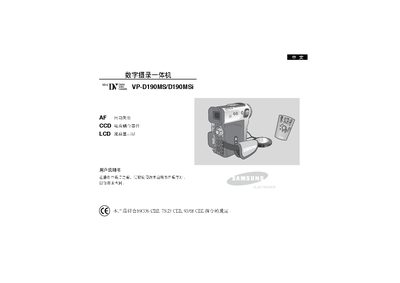
Samsung VP-D190MS/D190MSi Digital Videography All-in-One User Manual
The VP-D190MS/D190MSi is a digital videography all‑in‑one camcorder equipped with a CCD image sensor and an LCD display with BLC II backlight. The manual explains how to use the LCD screen, select image quality, and operate recording and playback functions.
Safety and maintenance sections cover proper handling of the LCD screen, battery charging procedures, protection against moisture and extreme temperatures, and regular cleaning of the video head to ensure clear recordings. This manual is written in Chinese.
All Samsung VP-D190 documents by type
Day-to-day operation, settings and troubleshooting. Start here if the product is already set up.
Questions answered in these manuals
How should the LCD screen be handled to avoid damage?
Rotate the LCD screen carefully; over‑rotation can damage the unit.
From: Samsung VP-D190MS/D190MSi Digital Videography All-in-One User Manual
What must be done before the first recording regarding the battery?
Ensure the battery pack is fully charged before starting any recording.
From: Samsung VP-D190MS/D190MSi Digital Videography All-in-One User Manual
How should I rotate the LCD screen?
Rotate the LCD screen carefully as illustrated; over‑rotation may damage the hinge.
From: Samsung VP-D130/D130i & VP-D190/D190i Camcorder User Manual
What should I do if the camcorder gets wet?
Avoid exposing the camcorder to water; if it becomes wet it may be damaged and not repairable.
From: Samsung VP-D130/D130i & VP-D190/D190i Camcorder User Manual