
Key facts
- Brand
- Samsung
- Model
- 932B
- Category
- Monitor
- Industry
- Electronics
- Documents
- 2
- Languages
- EN · ZH
- Last added
- 2012-03-21
Start here
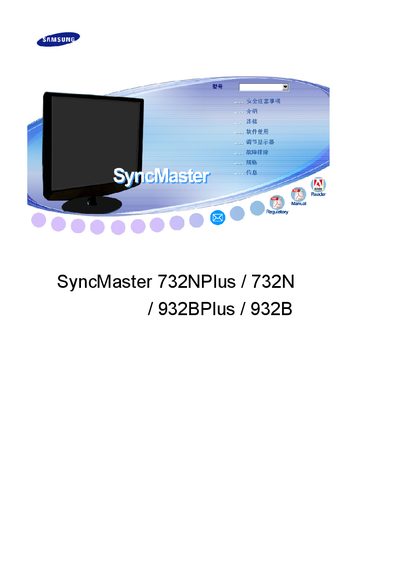
Samsung SyncMaster 732NPlus/732N/932BPlus/932B User Manual
This manual covers important safety precautions for the SyncMaster monitors, including proper grounding, avoiding damaged power cords, and keeping the device away from flammable materials. It also explains how to install the monitor on a stable surface, connect power safely, and clean the screen using a soft, slightly damp cloth and recommended cleaning agents.
Operational guidance includes adjusting resolution and refresh rate to 1280 × 1024 at 60 Hz, using the built‑in auto‑adjust feature, and enabling energy‑saving modes. Troubleshooting tips address common issues such as image retention, abnormal sounds, or overheating, and advise contacting an authorized service center when needed. This manual is written in Chinese.
Samsung 932B specifications
| Display Type | TFT‑LCD |
|---|---|
| Native Resolution | 1280 x 1024 |
| Refresh Rate | 60 Hz |
| Energy Star Certified | Yes |
All Samsung 932B documents by type
Day-to-day operation, settings and troubleshooting. Start here if the product is already set up.
Questions answered in these manuals
What is the native resolution of the SyncMaster 932BF?
The monitor’s native resolution is 1280 × 1024 pixels.
Is the SyncMaster 932BF Energy Star certified?
Yes, the monitor is Energy Star certified.