
Key facts
- Brand
- Samsung
- Model
- 930B
- Category
- Monitors
- Industry
- Electronics
- Documents
- 2
- Languages
- EN · ZH
- Last added
- 2012-03-21
Start here
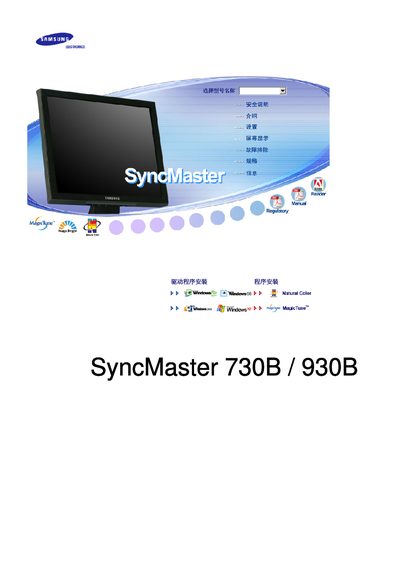
Samsung SyncMaster 730B/930B Monitor User Manual
The Samsung SyncMaster 730B/930B monitor manual covers all safety precautions, proper installation, and handling guidelines to prevent electric shock, fire, or damage. It explains how to mount the unit, connect power and video cables, and maintain a safe operating environment.
The guide also details the on‑screen display (OSD) functions, button operations, cleaning methods, energy‑saving features, and technical specifications such as screen size, resolution, and environmental limits. Additional sections address image‑retention prevention, recycling information, and compliance with TCO standards. This manual is written in Chinese.
Samsung 930B specifications
| Screen size (730BA) | 43 inch, 1280 × 1024 |
|---|---|
| Screen size (930BA) | 48 inch, 1280 × 1024 |
| Resolution | 1280 × 1024 |
| Energy Star certification | Yes |
All Samsung 930B documents by type
Day-to-day operation, settings and troubleshooting. Start here if the product is already set up.
Questions answered in these manuals
What is the native resolution of the 730BA model?
The native resolution is 1280 × 1024 pixels.
What video and power connections are available on the monitor?
The monitor provides a DVI input, a 15‑pin D‑sub (VGA) video connector, and a DC power input port.