
Key facts
- Brand
- Samsung
- Model
- 150S
- Industry
- Electronics
- Documents
- 2
- Languages
- EN
- Last added
- 2012-03-28
Start here
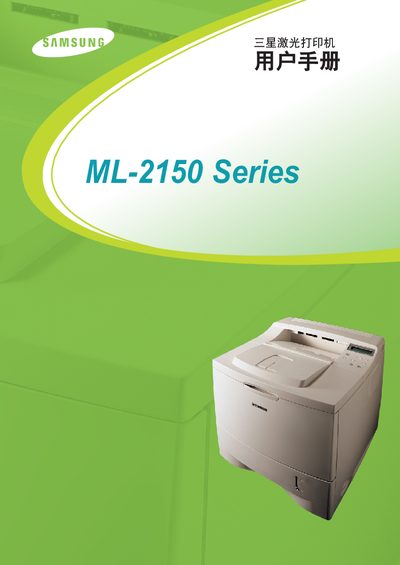
Samsung ML-2150 Series Laser Printer User Manual
User Manual 225 pages · 7.4 MB · EN
This manual provides the information needed to install, configure, and use the Samsung ML-2150 Series laser printer. It includes safety guidelines, hardware setup, and basic operation instructions.
Additional sections cover routine maintenance, troubleshooting common issues, and specifications for optimal performance.
Samsung 150S specifications
| Panel Size | 15.0 inch diagonal |
|---|---|
| Optimum Resolution | 1024 x 768 @ 60 Hz |
| Maximum Power Consumption | 30 W (Maximum) |
| Dimensions (W × D × H) | 368.5 × 173 × 386.2 mm |
| VESA Mounting Interface | 75 mm × 75 mm |
All Samsung 150S documents by type
User Manual 2
Day-to-day operation, settings and troubleshooting. Start here if the product is already set up.
Questions answered in these manuals
What are the power requirements for the monitor?
The monitor operates on AC 90 ~ 264 VAC rms, 60/50 Hz ± 3 Hz.
How do I install the Natural Color software?
Insert the supplied CD, run D:\color\eng\setup.exe (or the appropriate drive), and follow the on‑screen prompts.