
Key facts
Start here
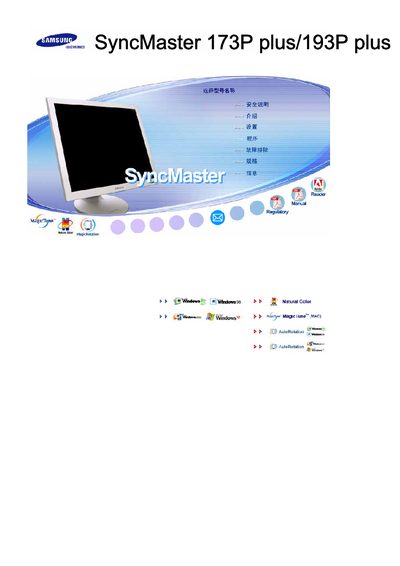
Samsung SyncMaster 173P Plus/193P Plus Display User Manual
This manual provides step‑by‑step instructions for installing and configuring the Samsung SyncMaster 173P Plus and 193P Plus LCD displays. It includes information on connecting the monitor to Windows systems, using built‑in features such as MagicTune™ and AutoRotation, and adjusting display settings.
Additional sections cover routine operation, menu navigation, and troubleshooting tips to help users resolve common issues and maintain optimal picture quality.
Samsung 173P specifications
| Pixel pitch | 0.264 mm |
|---|---|
| Maximum resolution | 1280 × 1024 |
| Refresh rate | 56 Hz‑75 Hz |
| AC input voltage | 100‑240 VAC, 50/60 Hz |
| Operating temperature | 50 °F‑104 °F (10 °C‑40 °C) |
| Operating humidity | 10 %‑80 % |
| Storage temperature | -25 °C‑45 °C (13 °F‑113 °F) |
| Storage humidity | 5 %‑95 % |
| Dimensions (W × H × D) | 15.0 × 1.6 × 12.3 inches |
| Maximum pixel clock | 135 MHz |
All Samsung 173P documents by type
Day-to-day operation, settings and troubleshooting. Start here if the product is already set up.
Disassembly, diagnostics and part numbers, for repair.
Questions answered in these manuals
What safety steps must be taken before repairing the monitor?
Disconnect the AC power source, observe ESD precautions, and avoid modifying the circuit board before service.
What are the power requirements of the DI17PS 173P monitor?
The monitor operates from an AC input of 100‑240 VAC at 50/60 Hz and consumes up to 40 W.
What safety precautions should I follow when using the monitor?
Do not use damaged or loose plugs, always use a properly grounded plug and socket, and avoid bending or placing heavy objects on the power cord.
How do I install the Natural Color software that comes with the monitor?
Insert the CD that came with the monitor into the CD drive and follow the on‑screen prompts to start the installation.