
Key facts
- Brand
- Samsung
- Model
- i85
- Category
- Digital cameras
- Documents
- 3
- Languages
- ZH · EN
- Last added
- 2012-03-26
Start here
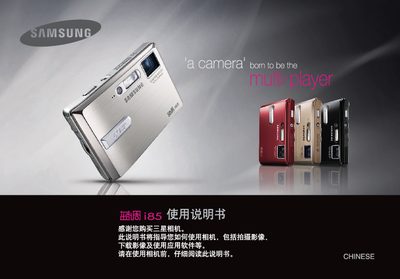
Samsung i85 Camera User Manual
This manual introduces the Samsung i85 digital camera, covering safety warnings, driver installation, battery handling, and basic operation steps. It explains how to install the camera driver from the supplied CD, connect the camera via the USB cable, and prepare the device for use.
The guide details the camera’s shooting modes, button functions, playback features, and optional functions such as PictBridge printing and MP3 playback. It also includes information on battery care, power management, and troubleshooting common issues. This manual is written in Chinese.
All Samsung i85 documents by type
Day-to-day operation, settings and troubleshooting. Start here if the product is already set up.
Questions answered in these manuals
How can I change the language on the phone?
The manual includes a Language section for configuring the device language.
What is the model number of this device?
The device is the Samsung SCH-i859.
Which type of SIM cards are supported?
The SCH-i859 supports R‑UIM and SIM cards.