
Key facts
- Brand
- Samsung
- Model
- SP-67L6HR
- Category
- Television
- Industry
- Electronics
- Documents
- 2
- Languages
- EN · ZH
- Last added
- 2012-03-20
Start here
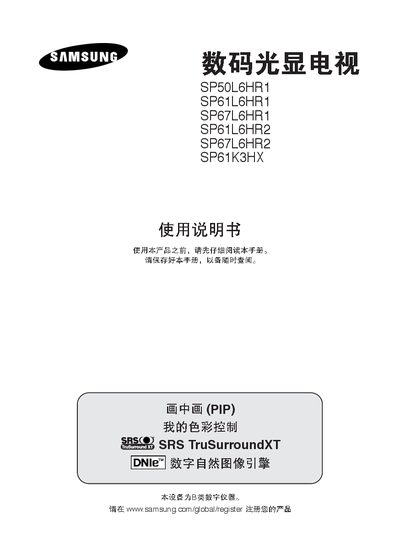
samsung SP50L6HR1 SP61L6HR1 SP67L6HR1 SP61L6HR2 SP67L6HR2 SP61K3HXdigital Light display Television Manual
This manual provides instructions for Samsung digital Light display televisions model SP50L6HR1, SP61L6HR1, SP67L6HR1, SP61L6HR2, SP67L6HR2 and SP61K3HX. It describes the supported video inputs such as S‑Video, HDMI/DVI, PC, RCA and AV, and explains the audio system featuring SRS TruSurroundXT.
Key specifications are listed, including a 1280 × 720 resolution at 60 Hz, 16:9 aspect ratio, power consumption of 195 W, and dimensions and weight for each model. The document also covers basic operation, picture and sound settings, and safety information.
Samsung SP-67L6HR specifications
| Resolution | 1280 × 720 @ 60 Hz |
|---|---|
| Dimensions (mm) | 1182 × 354 × 1446 (SP50L6HR1) etc. |
| Weight | 31.5 kg (SP50L6HR1) – 47.5 kg (SP67L6HR2) |
| Audio Technology | SRS TruSurroundXT |
All Samsung SP-67L6HR documents by type
Day-to-day operation, settings and troubleshooting. Start here if the product is already set up.
Questions answered in these manuals
What video input connections are supported?
The TV supports S‑Video, HDMI/DVI, PC, RCA and AV inputs.
What are the physical dimensions of the TV?
Dimensions are listed as 1182 × 354 × 1446 mm for the SP50L6HR1 model and similar sizes for the other models.
How do I connect an antenna or cable network?
Connect the coaxial cable from the antenna or cable network to the antenna input on the back of the TV.
From: Samsung SP-67L6HR Digital Light Display Television User Manual
What should I do if the TV becomes too hot?
Ensure the ventilation slots are clean and not blocked, and allow the TV to cool for at least an hour before using it again.
From: Samsung SP-67L6HR Digital Light Display Television User Manual