
This document is a user manual for the Philips HTS3530 home theater system, including product specifications, troubleshooting methods, instructions for connecting the home theater, and steps for using the home theater.
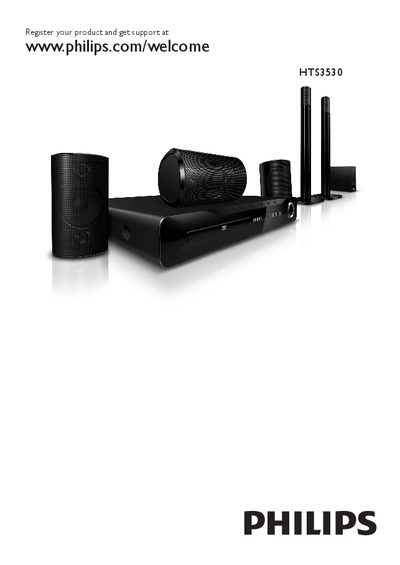
This manual provides step-by-step instructions for setting up and using the Philips HTS3530 home theater system. It covers connecting the device to a TV, configuring audio and video settings, playing media from discs or USB, and using the remote control. Safety and maintenance tips are also included.
The manual includes detailed diagrams of the main unit and remote control, explaining each button's function. It explains how to connect via HDMI, component video, or composite video, and how to manage audio inputs including FM radio and USB. It also covers creating MP3 files and adjusting sound modes for different types of content. This manual is written in Chinese.
You must leave at least 4 inches of space around the product for ventilation.
If the product was transported below 5° C, wait until it reaches room temperature before connecting it.
Pressing the button repeatedly allows you to search for radio stations.