
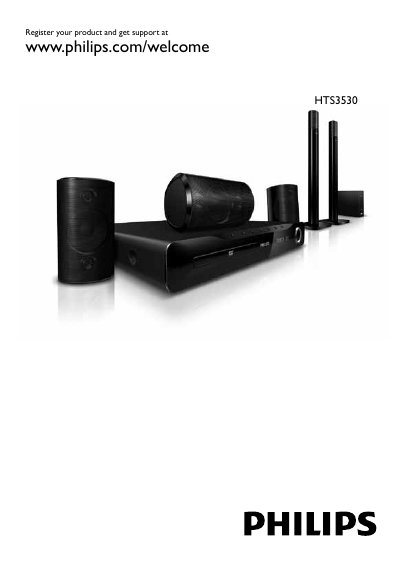
This manual provides step-by-step instructions for setting up and using the Philips HTS3530 home theater system. It covers connecting to TVs and other devices, adjusting audio and video settings, updating software via CD-R or USB, and handling safety precautions. The guide also includes information on product maintenance, disposal of old products and batteries, and troubleshooting.
The manual is written in Chinese (simplified) with English technical terms and includes sections on remote control functions, source selection, playback of discs and USB content, radio tuning, and creating MP3 files.
| Supported Media | DVD-Video, DVD+R/+RW, DVD-R/-RW, DVD+R DL, CD-R/CD-RW, Audio CD, VCD/SVCD, Picture CD, MP3-CD, WMA-CD, DivX-CD, USB storage devices |
|---|---|
| Software Update Method | From CD-R or USB storage device |
| Software Version Check | Access [Initial Setup Page] > [Version Information] |
You can update the software from a CD-R or USB storage device. Download the latest software from www.philips.com/support, copy it to the device, connect it to the home theater, and follow on-screen instructions.
It supports DVD-Video, DVD+R/+RW, DVD-R/-RW, DVD+R DL, CD-R/CD-RW, Audio CD, VCD/SVCD, Picture CD, MP3-CD, WMA-CD, DivX-CD, and USB storage devices.
Press the - button, navigate to [Initial Setup Page] > [Version Information], and press OK to display the version.