
Philips AJB4700 FM/DAB+ Clock Radio User Manual

User manual for the Philips AJB4700 FM/DAB+ clock radio, covering setup, radio operation, alarm settings, and system menu functions.
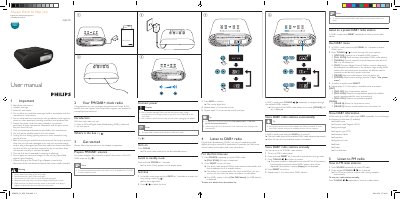

Philips AJB4700 FM/DAB+ Clock Radio User Manual - cover page
Brand
Philips
Category
Clocks and Timers
Document type
User Manual
Language
English
Pages
2
File format
PDF
File size
3 MB
Published
17 November, 2026
Updated
17 November, 2026
MD5 checksum
9350F97952EF3945CBF526FBD1C77DF9

About this manual

This document is the user manual for the Philips AJB4700 FM/DAB+ clock radio. It provides instructions on how to register the product, prepare the antenna, and connect the power supply. The guide details how to set the time, date, and 12/24 hour format, as well as how to switch between standby and active modes.

What's inside

  • Important safety instructions
  • Get started
  • Listen to DAB+ radio
  • Listen to FM radio
  • Use system menu
  • Set the alarm timer
  • Snooze the alarm
  • Set the sleep timer
  • Adjust volume
  • Warranty information

Frequently asked questions

What is the purpose of the Philips AJB4700 clock radio?

It lets you listen to FM and DAB+ radio and set two alarms.

How do you turn on the clock radio?

Press POWER.

How long must you hold the POWER button to switch to standby mode?

Press and hold POWER for 3 seconds.

What happens when you press and hold INFO for 3 seconds in standby mode?

It activates the time setting mode and the hour digits blink.

Download PDF (3 MB)

More Philips Manuals


View all Philips manuals →