
Key facts
- Brand
- Panasonic
- Model
- UB-T781
- Category
- Other Electronics
- Industry
- Electronics
- Documents
- 2
- Languages
- ZH · EN
- Last added
- 2023-03-06
Start here
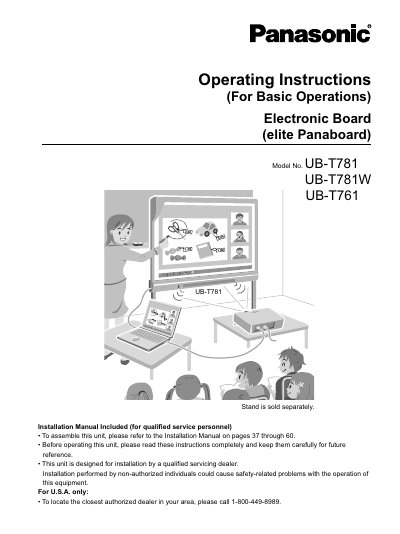
Panasonic UB-T781/UB-T781W/UB-T761 Electronic Board Operating Instructions
This manual provides basic operating instructions for the Panasonic elite Panaboard (Models UB-T781, UB-T781W, and UB-T761). It details how to connect the device to a computer and projector, use the electronic pen for writing and drawing, and operate the included USB hub features. The guide also explains how to install the elite Panaboard software and perform system calibration for optimal performance.
Read onlinePanasonic UB-T781 specifications
| Interface | USB 2.0 |
|---|---|
| Minimum RAM (Windows 2000 SP4) | 256 MB |
| Minimum RAM (Windows XP SP2) | 512 MB |
| Minimum RAM (Windows Vista) | 512 MB |
| Hard Disk Space Required | 400 MB |
Source: Panasonic UB-T781/UB-T781W/UB-T761 Electronic Board Operating Instructions
All Panasonic UB-T781 documents by type
Day-to-day operation, settings and troubleshooting. Start here if the product is already set up.
Questions answered in these manuals
What operating systems are supported by the elite Panaboard software?
The software supports Windows 2000 SP4, Windows XP SP2 or later, Windows Vista, and Windows 7.
From: Panasonic elite Panaboard UB-T780/UB-T781/UB-T781W User Manual
How much RAM is required to run the software on Windows 7?
You need at least 1 GB of RAM to run the software on Windows 7.
From: Panasonic elite Panaboard UB-T780/UB-T781/UB-T781W User Manual
Is the stand included with the unit?
No, the stand is sold separately.
From: Panasonic UB-T781/UB-T781W/UB-T761 Electronic Board Operating Instructions
Can I use the electronic pen to manipulate objects on the screen?
Yes, you can manipulate objects on the computer screen by using the electronic pen as a mouse.
From: Panasonic UB-T781/UB-T781W/UB-T761 Electronic Board Operating Instructions