
This document describes the features and functions of the Panasonic electronic whiteboard (elite Panaboard), including using the electronic pen for screen operations, saving screen images, and using the elite Panaboard book software to create teaching materials and presentation files.
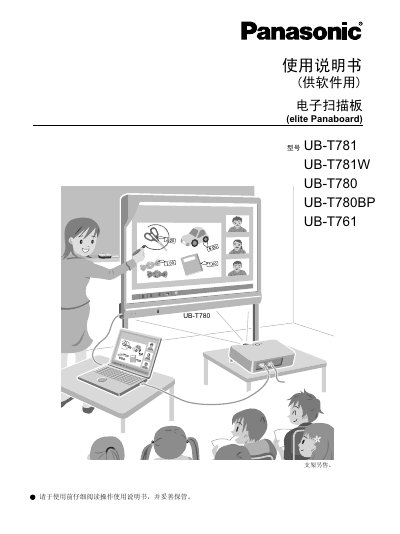
This manual provides instructions for the elite Panaboard software and elite Panaboard book application used with the UB-T780, UB-T781, and UB-T781W electronic whiteboards. It details two primary operation modes: Desktop Drawing Mode for interacting with computer screens and elite Panaboard Book Mode for creating and presenting teaching materials. This manual is written in Chinese.
The software supports Windows 2000 SP4, Windows XP SP2 or later, Windows Vista, and Windows 7.
You need at least 1 GB of RAM to run the software on Windows 7.
The computer must have at least 400 MB of free hard drive space available.