
This document is part of the Panasonic Electronic Board UB-T781 operating instructions, which mainly introduces the characteristics and functions of the product, including electronic pen function, elite Panaboard book software function, etc.
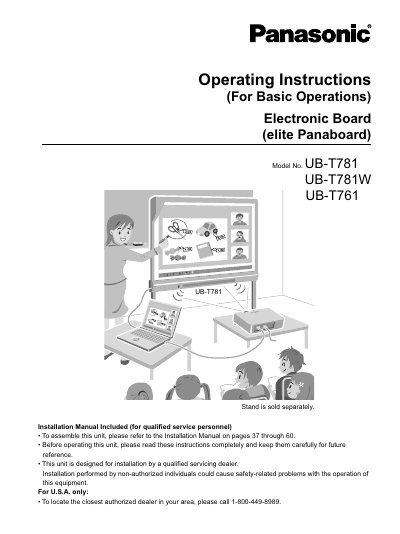
This manual provides basic operating instructions for the Panasonic elite Panaboard (Models UB-T781, UB-T781W, and UB-T761). It details how to connect the device to a computer and projector, use the electronic pen for writing and drawing, and operate the included USB hub features. The guide also explains how to install the elite Panaboard software and perform system calibration for optimal performance.
| Interface | USB 2.0 |
|---|---|
| Minimum RAM (Windows 2000 SP4) | 256 MB |
| Minimum RAM (Windows XP SP2) | 512 MB |
| Minimum RAM (Windows Vista) | 512 MB |
| Hard Disk Space Required | 400 MB |
No, the stand is sold separately.
Yes, you can manipulate objects on the computer screen by using the electronic pen as a mouse.
Yes, the elite Panaboard comes with a 2-port USB hub as standard.