
This is a JVC 32-inch and 42-inch LCD TV user guide
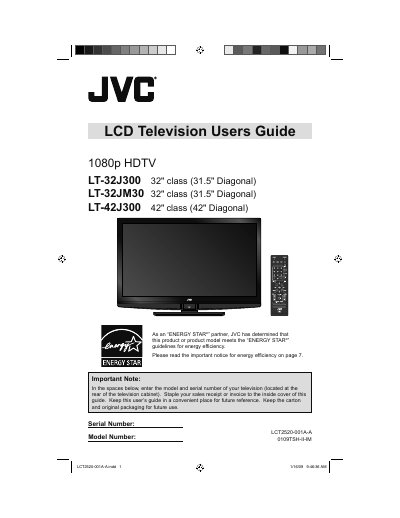
This document is the official User's Guide for JVC LT-32J300, LT-32JM30, and LT-42J300 LCD Televisions. It covers essential safety instructions, key features such as 1920x1080 Full HD resolution and OmniSurround sound, and detailed setup procedures including initial configuration and connecting external devices.
The guide also provides comprehensive instructions for customizing the TV settings, including picture modes (Smart Picture, Dynamic Gamma), video inputs, audio options, and system preferences. Additionally, it includes troubleshooting tips, a list of specifications, and warranty information.
| Panel Resolution | 1920x1080 Full HD |
|---|---|
| Screen Size Class (32") | 31.5" Diagonal |
| Screen Size Class (42") | 42" Diagonal |
| HDMI Inputs | 3 |
| Component Inputs | 2 |
| S-Video Input | 1 |
The manual recommends maintaining a minimum distance of 200 mm (7 7/8 in) between the set and the wall.
To shut down the TV and stop standby mode, you must unplug it from the wall outlet.
The unit must operate only from the power source specified on the unit itself.