
This manual describes the safe operation, installation and connection methods of the JVC GD-V4210PZW series display.
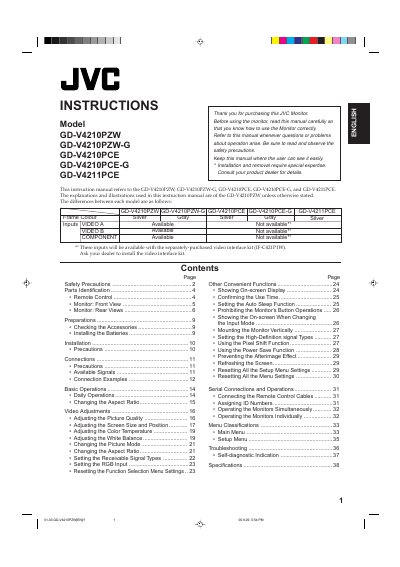
This user manual provides instructions for installing, operating, and troubleshooting the JVC GD-V4210PZW monitor. It includes sections on safety precautions, parts identification, connections, basic operations, video adjustments, and troubleshooting. The manual also covers advanced features like aspect ratio settings, color temperature, and power-saving functions. Safety warnings are emphasized to prevent fire or electric shock hazards.
The manual covers GD-V4210PZW, GD-V4210PZW-G, GD-V4210PCE, GD-V4210PCE-G, and GD-V4211PCE.
Installation and removal require special expertise. Consult your product dealer for details.
The user is encouraged to try to correct the interference by one or more of the following measures: – Reorient or relocate the receiving antenna.