
Key facts
- Brand
- Cisco
- Model
- 220 Series
- Category
- Network Switches
- Industry
- Computers
- Documents
- 2
- Languages
- EN · PT
- Last added
- 2026-11-09
Start here
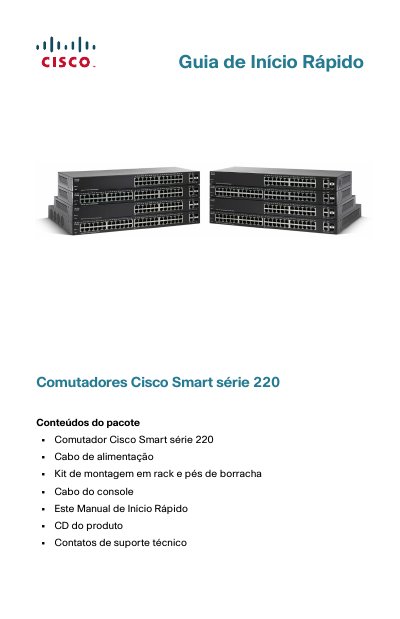
Cisco Smart 220 Series Switch Quick Start Guide
This document is a Quick Start Guide for the Cisco Smart 220 Series of network switches. It details the contents of the package, including the switch unit, power cable, mounting kit, and console cable. The guide explains how to identify the specific model (e.g., SF220-24, SG220-50P) and describes the front and rear panel features, such as Ethernet ports, SFP slots, and LED indicators. This manual is written in Portuguese.
Read onlineCisco 220 Series specifications
| Power Input | 100-240V~ 8-4A 50-60Hz |
|---|---|
| Console Port | Serial |
| PoE Per Port (Ports 1-4) | 30 Watts |
| PoE Per Port (Other Ports) | 15.4 Watts |
| Default Username | cisco |
| Default Password | cisco |
| Default LAN IP | 192.168.1.254 |
All Cisco 220 Series documents by type
Instruction set, parameters and examples for configuring or programming the device.
The shortest path to a working setup, usually only a few pages.
Questions answered in these manuals
What is this Cisco guide for?
It is the Command Line Interface Reference Guide for Cisco 220 Series Smart Switches, Release 1.1.0.x.
From: Cisco 220 Series Smart Switches Command Line Interface Reference Guide
How can I access the switch CLI?
The guide describes access using HyperTerminal over the console interface or Telnet over an Ethernet interface.
From: Cisco 220 Series Smart Switches Command Line Interface Reference Guide
What are the default login credentials for the Cisco 220 switch?
The default username is 'cisco' and the default password is 'cisco'.
What is the default IP address for the Cisco 220 switch?
The default LAN IP address is 192.168.1.254.