
Key facts
Start here
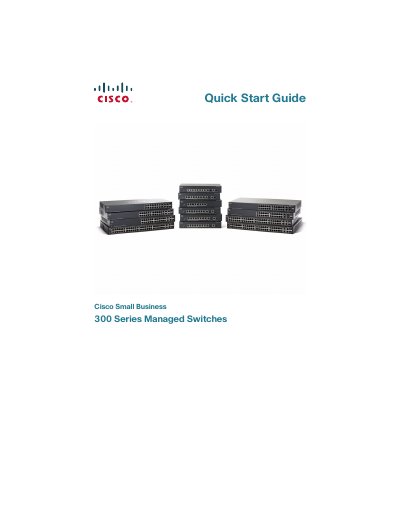
Cisco Small Business 300 Series Managed Switch Quick Start Guide
This guide walks you through unpacking the Cisco Small Business 300 Series Managed Switch, mounting options (flat surface, wall, or 19‑inch rack), and connecting network devices. It also covers power‑over‑Ethernet (PoE) capabilities, safety considerations, and required accessories.
Instructions for initial configuration are provided, including accessing the web‑based interface using the default IP address 192.168.1.254, logging in with the default credentials, and changing the password. Console‑port setup, LED indicators, and resetting the device to factory defaults are also described.
Cisco Small Business 300 Series specifications
| Maximum ambient temperature (standard models) | 104 °F (40 °C) |
|---|---|
| Maximum ambient temperature (high‑temp models) | 122 °F (50 °C) |
| PoE power per standard port | 15.4 W |
| Default IP address | 192.168.1.254 |
Source: Cisco Small Business 300 Series Managed Switch Quick Start Guide
All Cisco Small Business 300 Series documents by type
Day-to-day operation, settings and troubleshooting. Start here if the product is already set up.
The shortest path to a working setup, usually only a few pages.
Questions answered in these manuals
What is the release version of this guide?
The document corresponds to Release 1.3.5 of the administration software.
From: Cisco Small Business 300 Series Managed Switch Administration Guide
How is the switch configured?
Configuration is performed using the Web-based Configuration Utility.
From: Cisco Small Business 300 Series Managed Switch Administration Guide
What is the default IP address of the switch?
The switch uses the factory default IP address of 192.168.1.254.
From: Cisco Small Business 300 Series Managed Switch Quick Start Guide