
Command line interface reference for Cisco 220 Series Smart Switches, Release 1.1.0.x, covering CLI modes, commands, and configuration.
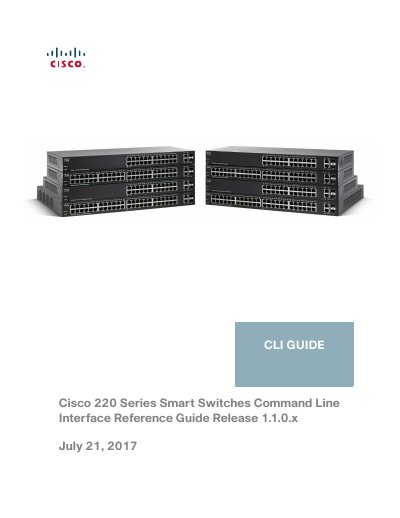
This Cisco 220 Series Smart Switches Command Line Interface Reference Guide, Release 1.1.0.x, documents the CLI for the switches. It describes user privilege levels and CLI command modes, explains how to access the CLI through HyperTerminal over the console interface or Telnet over an Ethernet interface, and covers command conventions and editing features.
The guide is organized by command chapters, including 802.1X, AAA, ACL, Address Table, Bonjour, CDP, Clock, Configuration and Image File, EEE, Ethernet Configuration, GVRP, IGMP Snooping, and IP Addressing commands. These chapters list commands and related show commands.
It is the Command Line Interface Reference Guide for Cisco 220 Series Smart Switches, Release 1.1.0.x.
The guide describes access using HyperTerminal over the console interface or Telnet over an Ethernet interface.
It includes a section on user (privilege) levels.
The show services tcp-udp command is used in Privileged EXEC mode.