
Key facts
Start here
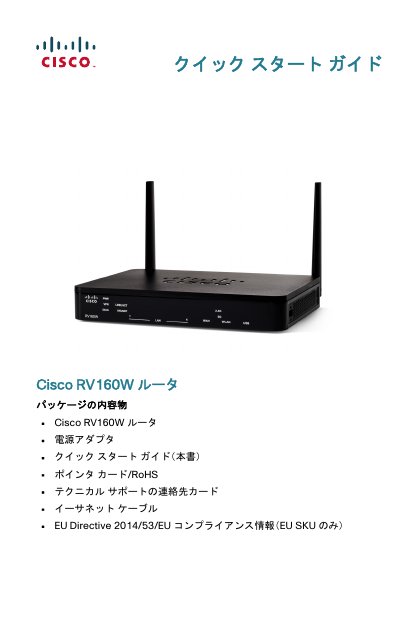
Cisco RV160W Router Quick Start Guide
Quick Start Guide 12 pages · 339 KB · JA
This document is the Quick Start Guide for the Cisco RV160W router. It details the contents of the package, including the router, power adapter, Ethernet cable, and support cards. The guide provides instructions on how to install the device on a desktop or wall mount, ensuring proper ventilation and stability. This manual is written in Japanese.
Read onlineCisco RV160W specifications
| Wireless Bands | Dual-band WLAN (2.4 GHz and 5 GHz) |
|---|---|
| Power Input | 12 VDC (2 A) |
| Operating Temperature | Do not operate above 40°C (104°F) |
All Cisco RV160W documents by type
Quick Start Guide 2
The shortest path to a working setup, usually only a few pages.
Questions answered in these manuals
How do I reset the router to factory defaults?
Press and hold the RESET button for more than 10 seconds.
What does the GIGABIT LED indicate?
It lights up green when the speed is 1000 M.
What is the default IP address for the router?
The default IP address is 192.168.1.1.
What are the default login credentials?
The default username is 'cisco' and the password is also 'cisco'.