
Key facts
Start here
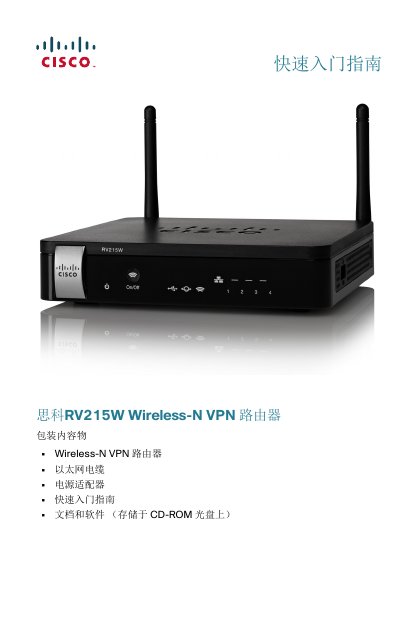
Cisco RV215W Wireless-N VPN Router Quick Start Guide
The Cisco RV215W is a Wireless-N VPN router designed for small business environments. The package includes the router unit, an Ethernet cable, a power adapter, and documentation stored on a CD-ROM. Before installation, ensure the device is placed in a well-ventilated area with temperatures below 40°C (104°F) to prevent overheating. This manual is written in Chinese.
Read onlineAll Cisco RV215W documents by type
The shortest path to a working setup, usually only a few pages.
Questions answered in these manuals
What is the default IP address for the Cisco RV215W?
The default IP address for the router is 192.168.1.1.
What are the default username and password?
The default username is cisco, and the default password is also cisco.
What is the default IP address to access the Cisco RV215W's web interface?
The default IP address is 192.168.1.1.
From: Cisco RV215W Wireless-N VPN Firewall Quick Start Guide
What are the default username and password for the Cisco RV215W?
The default username is cisco and the default password is cisco.
From: Cisco RV215W Wireless-N VPN Firewall Quick Start Guide