
Cisco Smart Switch 220 Series Quick Start Guide
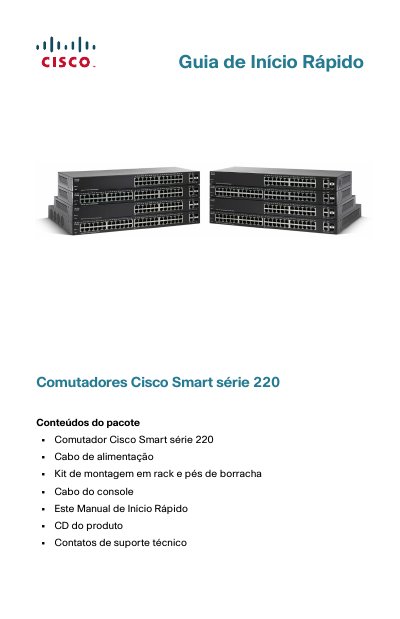
This document is a Quick Start Guide for the Cisco Smart 220 Series of network switches. It details the contents of the package, including the switch unit, power cable, mounting kit, and console cable. The guide explains how to identify the specific model (e.g., SF220-24, SG220-50P) and describes the front and rear panel features, such as Ethernet ports, SFP slots, and LED indicators. This manual is written in Portuguese.
| Power Input | 100-240V~ 8-4A 50-60Hz |
|---|---|
| Console Port | Serial |
| PoE Per Port (Ports 1-4) | 30 Watts |
| PoE Per Port (Other Ports) | 15.4 Watts |
| Default Username | cisco |
| Default Password | cisco |
| Default LAN IP | 192.168.1.254 |
The default username is 'cisco' and the default password is 'cisco'.
The default LAN IP address is 192.168.1.254.
Yes, wall mounting is supported only for non-PoE models using the provided rack mounting brackets.