
Key facts
- Brand
- Cisco
- Model
- SPA 504G
- Category
- Communications equipment
- Industry
- Electronics
- Documents
- 2
- Languages
- EN
- Last added
- 2026-11-08
Start here
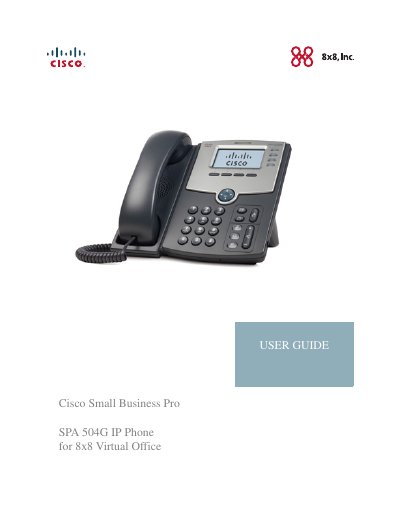
Cisco Small Business Pro SPA 504G IP Phone User Guide
This guide describes using the Cisco Small Business Pro IP Phone SPA 504G with the 8x8 Virtual Office. It explains the concepts and tasks needed to use and configure the phone.
The guide covers getting started, installing the phone, basic and advanced phone functions, and using the web interface. It includes information about phone connections, calls, forwarding, voicemail, speed dials, ring tones, and web setup.
All Cisco SPA 504G documents by type
Day-to-day operation, settings and troubleshooting. Start here if the product is already set up.
Questions answered in these manuals
How does the Cisco SPA 504G provide voice communication?
It is a VoIP phone that provides voice communication over an IP network.
How is the Cisco SPA 504G powered?
It requires a separate power source, which can be supplied by a Power over Ethernet switch or an optional PA100 adapter.
How do I park a call?
While live on a call, press the Xfer key followed by 70. The phone will announce the parking slot (e.g., 71 for Park 1).
What is the default password for voicemail?
The default password to access voicemail setup or message retrieval is 1111.