
Key facts
Start here
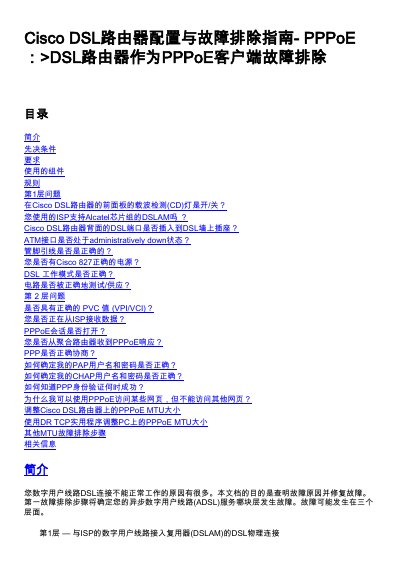
Cisco 827 DSL Router PPPoE Troubleshooting Guide
This document serves as a troubleshooting guide for Cisco DSL routers acting as PPPoE clients. It aims to identify and resolve issues preventing a Digital Subscriber Line (DSL) connection from functioning correctly. The guide categorizes potential faults into three layers: Layer 1 (physical connection to the DSLAM), Layer 2 (ATM connectivity and PPPoE/PPPoA protocols), and Layer 3 (IP). This manual is written in Chinese.
Read onlineAll Cisco 827 documents by type
Day-to-day operation, settings and troubleshooting. Start here if the product is already set up.
Questions answered in these manuals
What command checks if the ATM interface is administratively down?
Issue the command 'show interface atm 0' in enable mode to check the status.
How do I enable the ATM0 interface if it is administratively down?
Enter the 'no shutdown' command under the ATM0 interface configuration.
How do I check if the ATM0 interface is administratively down?
Enter the command 'show interface atm 0' in enable mode. If the output shows 'ATM0 is administratively down, line protocol is down', the interface is administratively down.
From: Cisco 827 DSL Router RFC1483 Bridge Troubleshooting Guide
How can I verify if the bridge port is in the forwarding state?
Use the command 'show spanning-tree'. If the output indicates 'Port 3 (ATM0) of Bridge group 1 is forwarding', the port is in the forwarding state.
From: Cisco 827 DSL Router RFC1483 Bridge Troubleshooting Guide