
Key facts
Start here
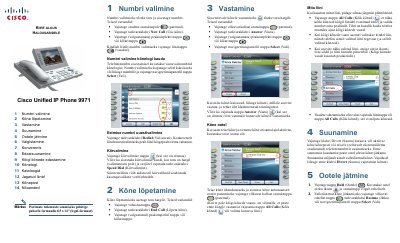
Cisco Unified IP Phone 9971 User Guide
User Manual 2 pages · 2.5 MB · ET
This document serves as a user manual for the Cisco Unified IP Phone 9971. It details fundamental operations such as dialing numbers, ending calls, answering incoming calls, and muting the microphone. The guide also explains how to manage multiple lines and view call history.
Read onlineAll Cisco 9971 documents by type
User Manual 1
Day-to-day operation, settings and troubleshooting. Start here if the product is already set up.
Other documents 1
Questions answered in these manuals
How do you place a call?
Lift the handset and enter the number, or press the device session button.
How do you end a call?
Place the handset back on the cradle, or press the End Call software key.