
Key facts
Start here
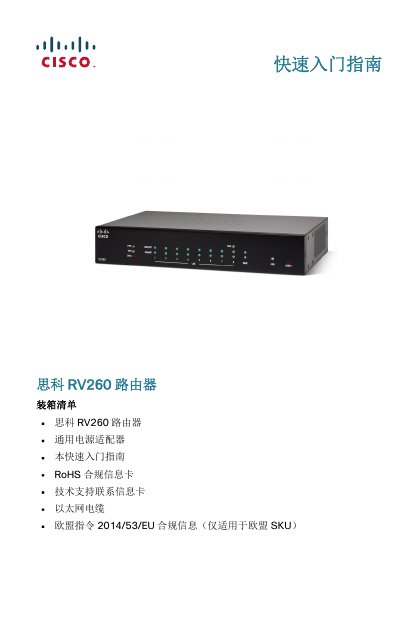
Cisco RV260 VPN Router Quick Start Guide
The Cisco RV260 is a small business VPN router designed to provide reliable internet access. It features an 8-port design, IPv6 firewall support, and a simplified user interface with setup wizards. The device supports both desktop and rack mounting configurations.
This Quick Start Guide covers the unboxing process, physical installation requirements for proper ventilation and safety, connecting the hardware components, and performing the initial web-based configuration via the Setup Wizard. This manual is written in Chinese.
Cisco RV260 specifications
| Wireless Ports | 8-port wireless router |
|---|---|
| Security Feature | IPv6 firewall support |
| Power Input | 12VDC, 2.5A |
| Default IP Address | 192.168.1.1 |
All Cisco RV260 documents by type
The shortest path to a working setup, usually only a few pages.
Questions answered in these manuals
What is the maximum operating temperature for this router?
Do not use the device in areas where the ambient temperature exceeds 40°C (104°F).
How long must you hold the reset button to restore factory defaults?
To restore factory default settings, press and hold the RESET button for more than 10 seconds.
What is the default username and password?
The default username is 'cisco' and the default password is also 'cisco'.
How do I reset the router to factory defaults?
Press and hold the RESET button for more than 10 seconds.