
Key facts
Start here
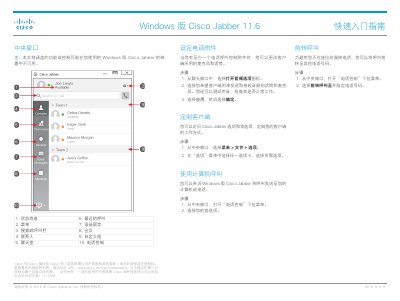
Cisco Jabber 11.6 Windows Quick Start Guide
Quick Start Guide 2 pages · 252 KB · ZH
This document is a Quick Start Guide for Cisco Jabber 11.6 on Windows. It outlines the basic interface elements, including the central hub, contacts, and recent calls. The guide explains how to access the menu to manage settings, search for contacts, and initiate calls. This manual is written in Chinese.
Read onlineCisco 11.6 specifications
| Weight | 12.8 lb (5.8 kg) |
|---|---|
| Width | 2.8 in (7.1 cm) |
| Height | 20.6 in (52.2 cm) |
| Depth | 11.2 in (28.4 cm) |
| Power Supply | 350 W |
| Routing Memory | Configurable 2 GB or 4 GB |
| Boot Flash | 64 MB |
| Hard Disk | 1 × 40 GB |
| NVRAM | 2 MB |
| CPU | 2 × 800 MHz PowerPC SMP |
All Cisco 11.6 documents by type
Quick Start Guide 1
The shortest path to a working setup, usually only a few pages.
Datasheet 1
Ratings, dimensions and ordering codes, for selection and design work.
Questions answered in these manuals
What is the minimum requirement to use the voice control feature?
You must have at least one headset connected for the voice control feature to work.
How long does it take for a contact named 'Avery Griffen' to return from being busy?
The status indicates that Avery Griffen will be back in 5 minutes.
What operating system does the Cisco CRS-1 16 use?
It runs Cisco IOS XR.
Which routing protocols are supported by the CRS-1 16?
It supports BGPv4, OSPFv2, OSPFv3, IS‑IS, and other standard IP routing protocols.