
Key facts
Start here
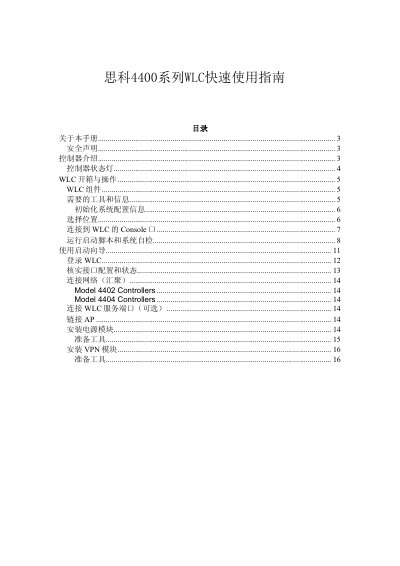
Cisco 4400 Series Wireless LAN Controller Quick Start Guide
This document serves as a quick start guide for the Cisco 4400 Series Wireless LAN Controller (WLC), specifically covering models 4402-25, 4402-50, 4404-25, 4404-50, and 4404-100. It provides essential information on hardware components, safety precautions, and the physical installation process. This manual is written in Chinese.
Read onlineCisco 4400 Series specifications
| Supported Software Version | 5.2.178.0 |
|---|---|
| Supported LAP Series | Cisco 1230AG Series |
| Default Local Database Limit | 512 entries |
| Maximum Local Database Limit | 2048 entries |
Source: Cisco 4400 Series Wireless LAN Controller MAC Filtering Configuration Guide
All Cisco 4400 Series documents by type
Day-to-day operation, settings and troubleshooting. Start here if the product is already set up.
Questions answered in these manuals
What is the maximum number of entries supported in the local user database by default?
The default limit is 512 user entries, though it can be increased up to 2048 via CLI.
From: Cisco 4400 Series Wireless LAN Controller MAC Filtering Configuration Guide
How do I enable MAC filtering for a WLAN using the GUI?
Navigate to Security > Layer 2 > Layer 2 Security Policies and select the MAC Filtering checkbox.
From: Cisco 4400 Series Wireless LAN Controller MAC Filtering Configuration Guide
What are the supported WLC models in this manual?
The manual covers models 4402-25, 4402-50, 4404-25, 4404-50, and 4404-100.
From: Cisco 4400 Series Wireless LAN Controller Quick Start Guide
What are the default login credentials for the WLC?
The default username and password are both 'admin'.
From: Cisco 4400 Series Wireless LAN Controller Quick Start Guide