
Casio YC-430 Multi PJ Camera Quick Start Guide

This is a user manual for Casio YC-430
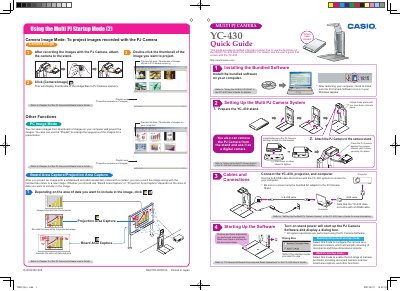

Casio YC-430 Multi PJ Camera Quick Start Guide - cover page
Brand
Casio
Category
Monitoring Equipment
Document type
Quick Start Guide
Language
English
Pages
2
File format
PDF
File size
2.3 MB
Published
06 June, 2012
Updated
30 September, 2023
Model
YC-430
MD5 checksum
D07D46FA21BA36C97D2093B0CFFB99D8

About this manual

The Casio YC-430 Multi PJ Camera is a device designed to project images of documents, whiteboards, and 3D objects. This Quick Start Guide covers essential setup steps including installing bundled software, attaching the camera to its stand, connecting cables (USB and AC adaptor), and selecting the appropriate startup mode for your needs.

What's inside

  • Installing Bundled Software
  • Setting Up the System
  • Cables and Connections
  • Starting Up the Software
  • Business Document Startup Mode
  • Multi PJ Startup Mode
  • Document Camera Mode
  • Scanner Mode

Specifications

Product NameMULTI PJ CAMERA YC-430
Document TypeQuick Start Guide

Frequently asked questions

What are the two startup modes for the PJ Camera Software?

The software has a Business Document startup mode and a Multi PJ startup mode.

What is the purpose of the Scanner Mode?

It provides high-speed scanning operations for digitizing documents and thick objects.

Download PDF (2.3 MB)

More Casio Manuals


View all Casio manuals →