
This document is the user's guide for the DATA PROJECTOR XJ-350, providing information on the features and characteristics of the product.
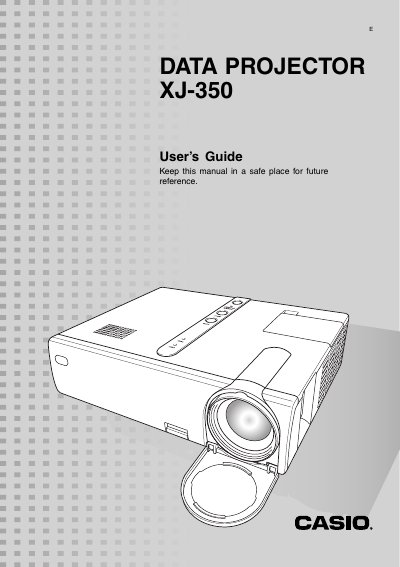
The document serves as a comprehensive user manual for the CASIO XJ-350 projector. It begins with detailed safety precautions regarding electrical hazards, water exposure, lens care, and proper ventilation to ensure safe operation.
Subsequent sections cover installation and setup procedures, including connecting power cords, using remote controls, and configuring display settings. The guide also provides operational instructions for various features, troubleshooting steps for common issues like no signal or abnormal sounds, and maintenance tips such as cleaning the lens and replacing the lamp.
The projector must be operated within a temperature range of 5°C to 35°C (41°F to 95°F).
You must allow at least 30 cm (11.8 inches) of clearance between the projector and walls.