
This manual describes how to use the EXILIM K1125PCM2DMX digital camera.
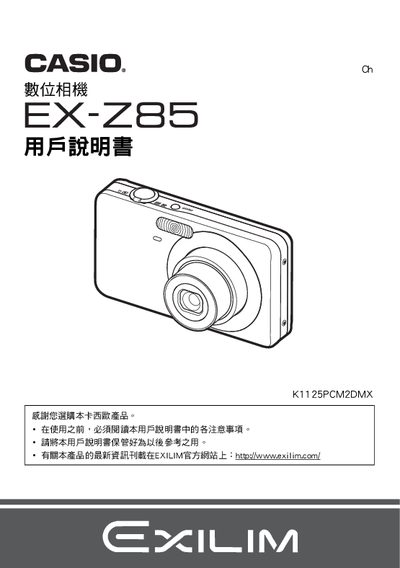
This manual explains how to unpack the camera, inspect the package contents, install the NP‑60 lithium‑ion rechargeable battery, and charge it with the supplied BC‑60L charger. It also covers basic operation such as turning the camera on, selecting shooting modes, and using automatic focus and smile detection features.
Further sections describe image settings (ISO, white balance, exposure), playback and printing options, USB communication for transferring files to a computer, and troubleshooting tips. Technical specifications for the battery and charger are listed at the end of the document. This manual is written in Japanese.
| Battery rated voltage | 37 V |
|---|---|
| Battery capacity | 720 mAh |
| Battery operating temperature | 0 °C to 40 °C |
| Charger input voltage | 100 V–240 V AC, 80 mA, 50/60 Hz |
| Charger output voltage | 4.2 V DC, 600 mA |
| Charging time | 90 minutes |
| Charger dimensions | 60 mm × 20 mm × 86 mm (W × H × D) |
| Charger weight | ≈62 g |
Connect the supplied BC‑60L charger to an AC outlet (100‑240 V) and attach the NP‑60 battery; charging takes about 90 minutes.
Connect the camera to a computer via the USB port and follow the USB communication settings described in the manual.