
This manual describes basic operations of the EX-Z6/EX-Z7 digital camera, including turning on/off the power, charging the battery, taking pictures, playing back, and deleting.
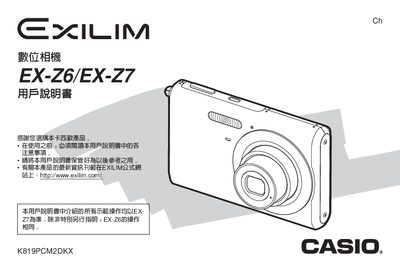
This manual covers everything needed to start using the EX‑Z6/EX‑Z7 cameras, from unboxing and checking accessories to configuring language, battery installation, and basic operation. It explains shooting modes, autofocus options, exposure settings, and how to use special functions such as Best Shot, Business Shot, and self‑timer.
Later sections describe playback, image management, USB and software connectivity for Windows and Macintosh, printing via USB Direct‑Print, and troubleshooting tips. Detailed specifications for the battery, charger, and physical dimensions are also included.
| Full charge time | ≈ 90 minutes |
|---|---|
| Battery weight | ≈ 38 g |
| Charger input voltage | 100‑240 V AC, 80 mA, 50/60 Hz |
| Charger output | 4.2 V DC, 600 mA |
Use the NP‑20 ion battery charger; a full charge takes about 90 minutes.
The box contains the camera, the NP‑20 battery charger (BC‑11L), an AC power cable, and other standard accessories.
Language can be configured in the settings menu as described in the preparation section.
Connect the camera via the USB port and use the provided Photo Loader software for Windows or Macintosh to manage and transfer images.