
This manual introduces the basic operations of the CASIO EXILIM K1124PCM2DMX digital camera.
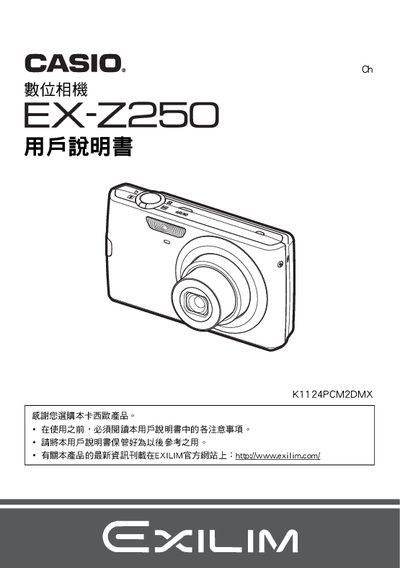
This manual guides users through unpacking, battery installation, and initial setup of the Casio EX‑Z250 digital camera. It includes safety notices, warranty information, and basic operating procedures such as powering on, formatting the memory, and using shooting modes.
Later sections cover advanced features like BEST SHOT, auto‑focus, ISO settings, white‑balance adjustment, and connectivity options for USB transfer, PictBridge printing, and video playback. Technical specifications for the battery and charger are listed at the end of the document. This manual is written in Chinese.
| Battery type | 離子充電電池 (NP-70) |
|---|---|
| Battery rated voltage | 37 V |
| Battery capacity | 1050 mAh |
| Battery operating temperature | 0 to 40 °C |
| Battery weight | ≈24.5 g |
| Battery dimensions | 31.5 mm × 44.1 mm × 7.5 mm |
| Charger input voltage | 100 to 240 V AC, 80 mA, 50/60 Hz |
| Charger output voltage | 4.2 V DC, 600 mA |
| Charger operating temperature | 5 to 35 °C |
| Charger weight | ≈64 g |
| Charging time | 130 minutes |
Insert the NP‑70 battery into the charger BC‑70L and charge for about 130 minutes.
The camera is designed to operate between 0 °C and 40 °C.
Select the format (初始化) option in the menu to initialize the memory.
Use a PictBridge‑compatible printer to print photos without a computer.