
This manual introduces the parts and basic operations of the Casio EX-S1/EX-M1 digital camera.
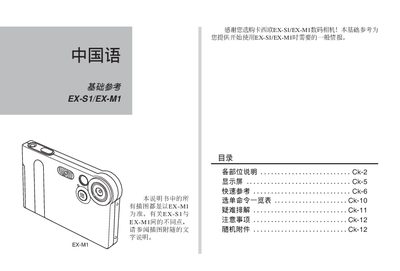
This manual provides step‑by‑step instructions for operating the Casio EX‑S1 and EX‑M1 digital cameras. It covers basic controls, recording modes, playback functions, menu navigation, and safety precautions.
Additional sections describe the USB docking station, LCD controls, image‑capture options, audio recording, battery charging, and detailed technical specifications such as supported image resolutions and quality settings.
| Maximum Image Resolution | 1600×1200 pixels |
|---|---|
| Standard Image Resolution | 1280×960 pixels |
| Low Image Resolution | 640×480 pixels |
| Image Quality Modes | FINE, NORMAL, ECONOMY |
| Charging Indicator | CHARGE light on USB dock |
Connect the camera to the USB dock; the CHARGE light will illuminate while charging.
The camera supports 1600×1200, 1280×960 and 640×480 pixel resolutions.
Three quality modes are provided: FINE, NORMAL, and ECONOMY.