
This document is the user manual for the EX-M1 and EX-S1 digital cameras. It provides information on the features and precautions of the cameras, as well as a guide on preparation and basic operations.
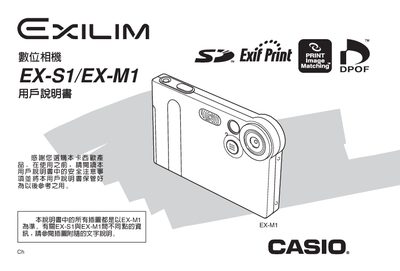
This manual introduces the EX-M1 and EX-S1 digital cameras, covering safety precautions, unboxing, and the basic components such as the camera body, USB base, and controller. It explains how to install the battery, charge it via the USB base, and configure basic settings like language, date, and time.
Detailed sections describe flash and self‑timer usage, image size and quality selection, white‑balance adjustment, playback functions, and the FAVORITE folder for quick access to favorite images. The guide also covers memory‑card handling, computer connection via USB, and printing options using DPOF‑compatible printers, followed by an appendix with dimensions, weight, and power specifications.
| Effective Pixels | 1.24 million |
|---|---|
| LCD Screen Size | 1.6‑inch TFT color |
| Digital Zoom | 4× |
| Supported Memory Cards | SD and MMC |
| Battery Voltage | 5.3 V DC, 1.0 A |
| Dimensions (EX‑S1) | 88 mm × 55 mm × 113 mm |
| Weight (EX‑S1) | 85 g (3.0 oz) without battery |
Place the camera on the USB base and it will charge automatically.
The camera supports SD memory cards and MMC (MultiMedia) cards.
Use a DPOF‑compatible printer to print images in the order you set.
The camera features a 1.6‑inch TFT color LCD screen.