
This is the user's guide for the CASIO EX-M1 digital camera, which introduces the features and usage of the camera
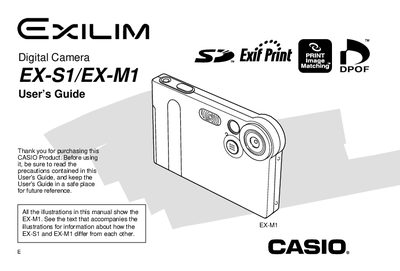
This manual serves as a comprehensive user's guide for the Casio EX-S1 and EX-M1 digital cameras. It details the unboxing process, camera setup, and basic operations such as turning the device on and off. The guide explains how to record images and movies, adjust settings like white balance and exposure compensation, and utilize features specific to the EX-M1 model, such as audio recording.
| Effective Pixels | 1.24 million |
|---|---|
| Monitor Screen Size | 1.6-inch TFT color LCD |
| Digital Zoom | 4X |
| Built-in Memory | 12MB flash memory |
The EX-M1 includes audio recording capabilities, which are not present on the EX-S1.
Yes, you can select "All File Delete" in Play mode to remove all unprotected files.
Deleting an audio snapshot removes both the image file and the attached audio file.