
This document introduces the file management capabilities of the camera, which can protect files from deletion and even use the DPOF feature to specify images for printing.
The document provides instructions on managing image files, including protecting them from deletion and organizing them into folders. It details how to use the DPOF (Digital Print Order Format) feature to specify images for printing with compatible printers.
Additionally, the manual describes the audio player function available on the EX-M1 model, covering MP3 playback specifications and battery life estimates. Technical specifications for both camera models and their bundled accessories are also listed.
| Max Folders in Memory | 900 folders |
|---|---|
| Max Files per Folder | 9,999 files |
| Audio Sampling Frequencies | 32kHz, 44.1kHz, 48kHz |
| Audio Bit Rates | 32 to 210 kbps |
| Headphone Output Power (EX-M1) | 9mW + 1mW (16 Ω) |
| Battery Life (Continuous Recording, EX-M1) | 80 minutes |
You can specify up to 99 copies; specify 00 if you do not want the image printed.
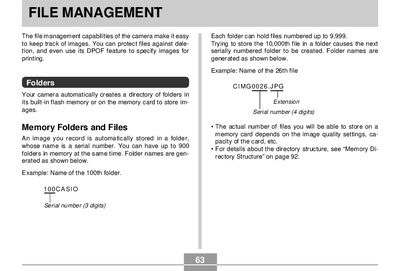
The camera allows up to 900 folders in memory, with each folder capable of holding files numbered up to 9,999.
Users can specify up to 99 copies for a single image or all images when configuring print settings.