
Key facts
- Brand
- Casio
- Model
- EX-S100
- Category
- Digital cameras
- Industry
- Electronics
- Documents
- 3
- Languages
- EN · ZH · JA
- Last added
- 2012-06-06
Start here
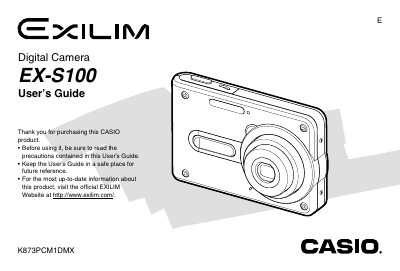
Casio EX-S100 Digital Camera User's Guide
The Casio EX-S100 is a rechargeable lithium-ion battery-powered digital camera that supports optical and digital zoom. The manual details how to record images in various modes, use features like flash assist and self-timer, and adjust settings such as white balance and ISO sensitivity.
The guide also explains playback functions including image resizing, cropping, slideshow creation, and audio recording for snapshots. It provides instructions on file management using built-in memory or SD cards, connecting to computers via USB or PictBridge printing, and troubleshooting common issues.
Casio EX-S100 specifications
| Dimensions (Camera) | 88(W) x 57(H) x 16.7(D) mm |
|---|---|
| Weight (Camera) | Approximately 113 g (4.0 oz) |
| Battery Type | Rechargeable Lithium Ion Battery (NP-20) |
All Casio EX-S100 documents by type
Day-to-day operation, settings and troubleshooting. Start here if the product is already set up.
Questions answered in these manuals
What is the operating temperature range for the camera?
The camera operates within a temperature range of 0°C to 40°C.
Can I use any type of battery with this camera?
No, you must use only the special NP-20 rechargeable lithium ion battery.
What type of battery does the EX‑S100 use?
The camera uses a rechargeable NP‑20 lithium‑ion battery.
What is the weight of the camera without accessories?
Approximately 113 g without the battery and accessories.
How can I connect the camera to a printer?
Use the PictBridge or USB Direct‑Print function as described in the connectivity section.
What are the camera’s dimensions?
The camera measures 3 mm × 30 mm × 47 mm (W × H × D).