
Casio AP-420 Digital Piano User's Guide

This document is the user guide for AP420ES1B ES, providing safety precautions and important safety instructions before using the piano.
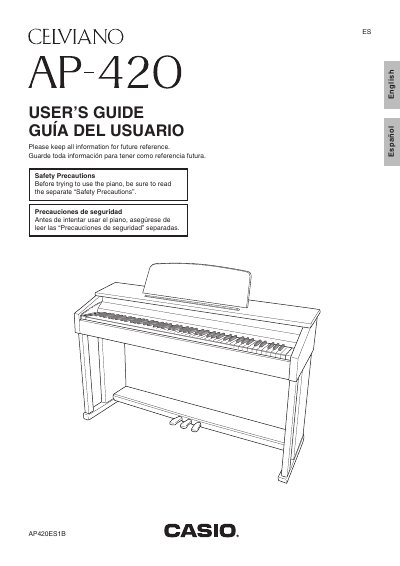

Casio AP-420 Digital Piano User's Guide - cover page
Brand
Casio
Category
Musical instruments
Document type
User Manual
Language
English
Pages
46
File format
PDF
File size
1.5 MB
Published
06 June, 2012
Updated
29 September, 2023
Model
AP-420
MD5 checksum
84A2101D738CD302B7F61CD7A0133FDC

About this manual

The Casio Celviano AP-420 is a digital piano featuring 16 built-in tones, including Grand Piano (Modern and Classic) and Electric Piano. The instrument includes a metronome, reverb, chorus effects, and the ability to layer two tones or play duets.

What's inside

  • Getting Ready
  • Assembling the Stand
  • Selecting and Playing a Tone
  • Using Effects
  • Recording and Play Back
  • Connecting Headphones
  • Connecting to a Computer
  • Troubleshooting

Specifications

Number of built-in tones16
Power supply voltageDC 24V

Frequently asked questions

What safety precautions should I take before using the piano?

Read the separate Safety Precautions and ensure the cover is fully open to prevent it from closing unexpectedly.

What is the minimum age for children to use this digital piano?

The product is not intended for children under 3 years.

How long does the system initialization take when turning on the piano?

During system initialization, the tone button lamps cycle on and off for about seven seconds.

Download PDF (1.5 MB)

More Casio Manuals


View all Casio manuals →