
AP420CH1A is a MIDI interface adapter that supports MIDI basic channel 1-16, note number 0-127, and true voice program change. It can be used with a variety of MIDI devices.
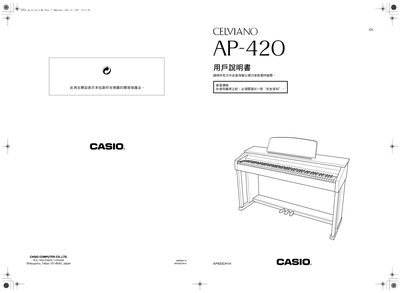
This manual is for the Casio AP-420 digital piano. It describes the instrument's parts and controls, tone selection and brilliance adjustment, layering two tones, reverb and chorus effects, pedal use, metronome operation, built-in song playback, recording and playback, track recording, keyboard settings, memory card use, and computer connection.
It also includes troubleshooting, product specifications, operating precautions, accessories and optional items, and an appendix with tone and song lists. This manual is written in Chinese.
| Number of tones | 16 |
|---|---|
| Pedals | 3 (damper, soft, sostenuto) |
| Brilliance range | -3 to 3 |
| Reverb types | 4 (室內, 小音樂廳, 大音樂廳, 運動場) |
| Chorus types | 4 (輕合唱, 中合唱, 深合唱, 鑲邊) |
| Tempo range | 20 to 255 beats per minute |
| Metronome beat options | 0, 2, 3, 4, 5, or 6 beats per measure |
| Metronome volume range | 0 to 42 |
The piano has 16 built-in tones.
Hold FUNCTION and press the corresponding keyboard key for the tone.
Hold FUNCTION and press the MODERN button; the lamp lights when reverb is on.
The metronome can be set to 0, 2, 3, 4, 5, or 6 beats per measure.