
The AP220ES1C ES User's Guide is a document that provides information on the use of the AP220ES1C ES digital piano, including safety precautions and important safety instructions. It covers the preparation before using the piano and important considerations during use.
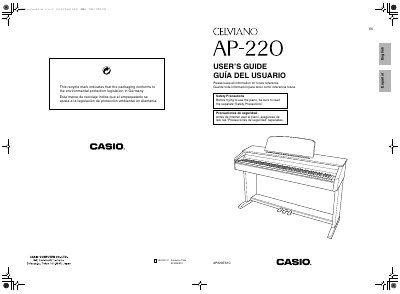
The Casio Celviano AP-220 is a digital piano that features multiple tones including Modern Piano, Classic Grand Piano, and Electric Piano. It supports layering two tones simultaneously and includes built-in effects such as Reverb and Chorus to enhance the sound.
Users can connect the instrument to headphones, audio equipment, or a computer via USB for recording and playback. The manual details how to use the pedals, metronome, and various configuration settings like transpose, tuning, and touch response.
| Power Supply | DC 12V terminal |
|---|---|
| AC Adaptor Model | AD-A12150LW |
You must use only the specified CASIO AD-A12150LW adaptor to avoid malfunction.
Hold down the FUNCTION button while pressing the keyboard key assigned to the desired setting.