
Key facts
Start here
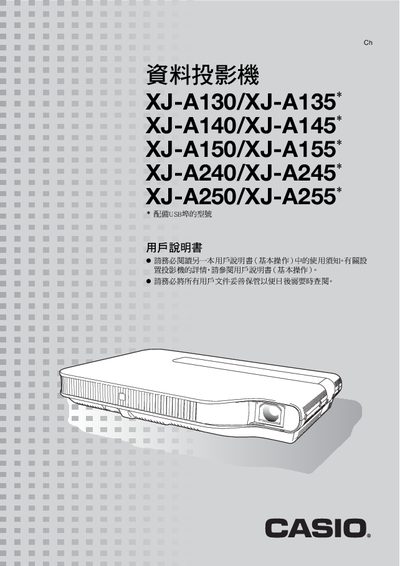
Casio XJ-A130/A135/A140/A145/A150/A155/A240/A245/A250/A255 User Manual
This manual covers the features, key operation, and setup of the Casio XJ‑A series projectors. It explains how to power on the unit, adjust image settings, use the remote controller keys, and connect various input sources such as HDMI, USB, and composite video.
Additional sections describe cleaning procedures, error indications, projection distance calculations, and detailed HDMI resolution tables. The document also includes specifications for brightness, supported resolutions, and other technical parameters. This manual is written in Japanese.
All Casio A240 documents by type
Day-to-day operation, settings and troubleshooting. Start here if the product is already set up.
Questions answered in these manuals
How do I start the projector immediately?
Press the power button; the projector powers on automatically and begins projecting.
From: Casio XJ-A130/A135/A140/A145/A150/A155/A240/A245/A250/A255 User Manual
How can I adjust the image brightness?
Use the BRIGHT key on the remote controller to increase or decrease brightness.
From: Casio XJ-A130/A135/A140/A145/A150/A155/A240/A245/A250/A255 User Manual
Which projector models are covered by this guide?
It covers the XJ-A130/XJ-A135, XJ-A140/XJ-A145, XJ-A230/XJ-A235, and XJ-A240/XJ-A245 models; models marked with an asterisk have a USB port.
From: Casio XJ-A130/A135*/A140/A145*/A230/A235*/A240/A245* Data Projector User's Guide (Basic Operations)
Where can I find more detailed operating instructions?
The supplied CD-ROM contains a more detailed user's guide (活用編).
From: Casio XJ-A130/A135*/A140/A145*/A230/A235*/A240/A245* Data Projector User's Guide (Basic Operations)